The break
Twenty seconds,
somewhere far away
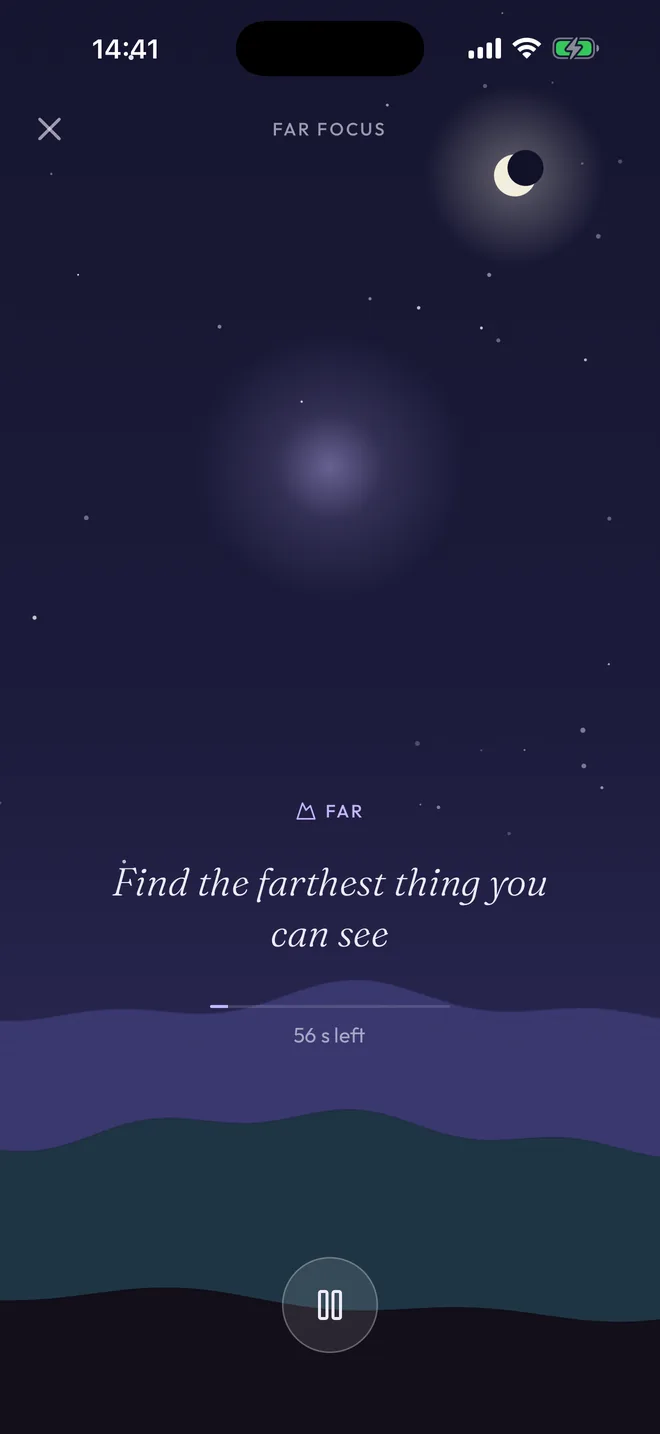
Each reminder brings one small thing to look for: a cloud, the farthest roof, the light on a far wall. There are more than fifty, and they follow the time of day, so none repeats in a working day.
Then the screen looks away too. The words fade to a slow glow, a chime tells you when it is over, and the sun comes up.
Your week
A postcard of what you looked at
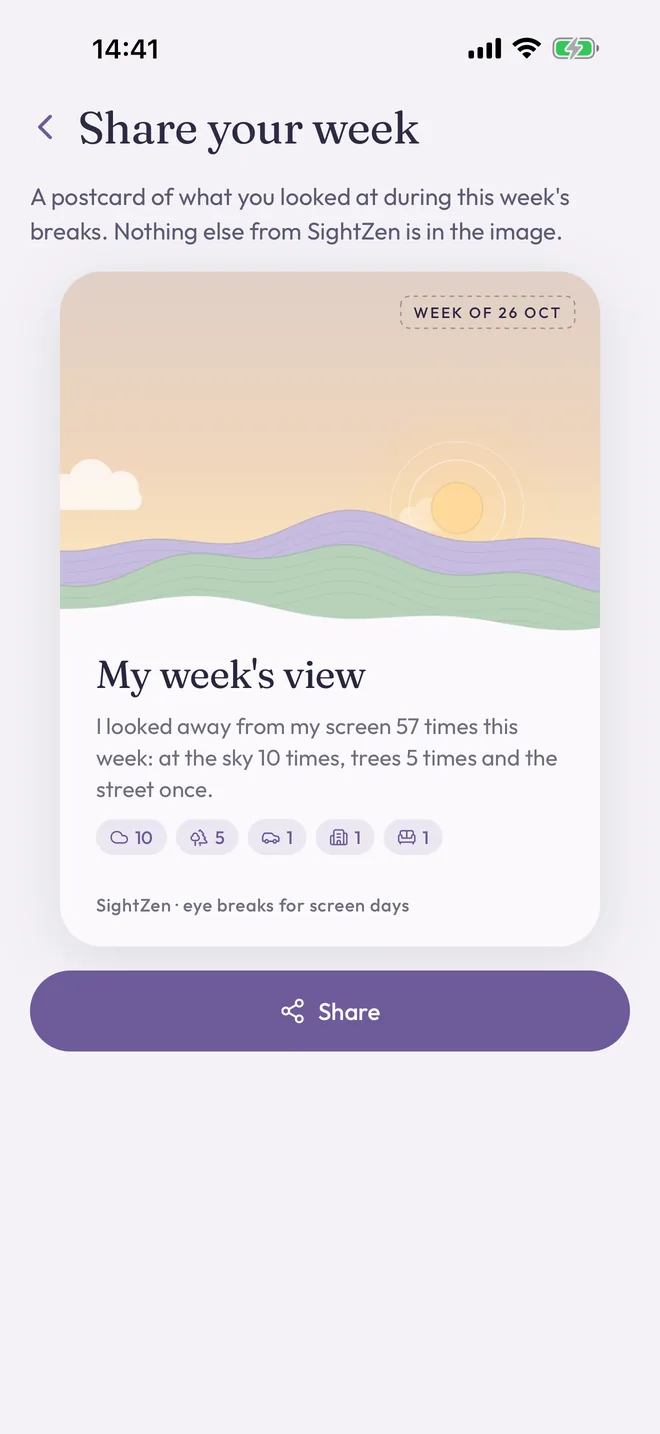
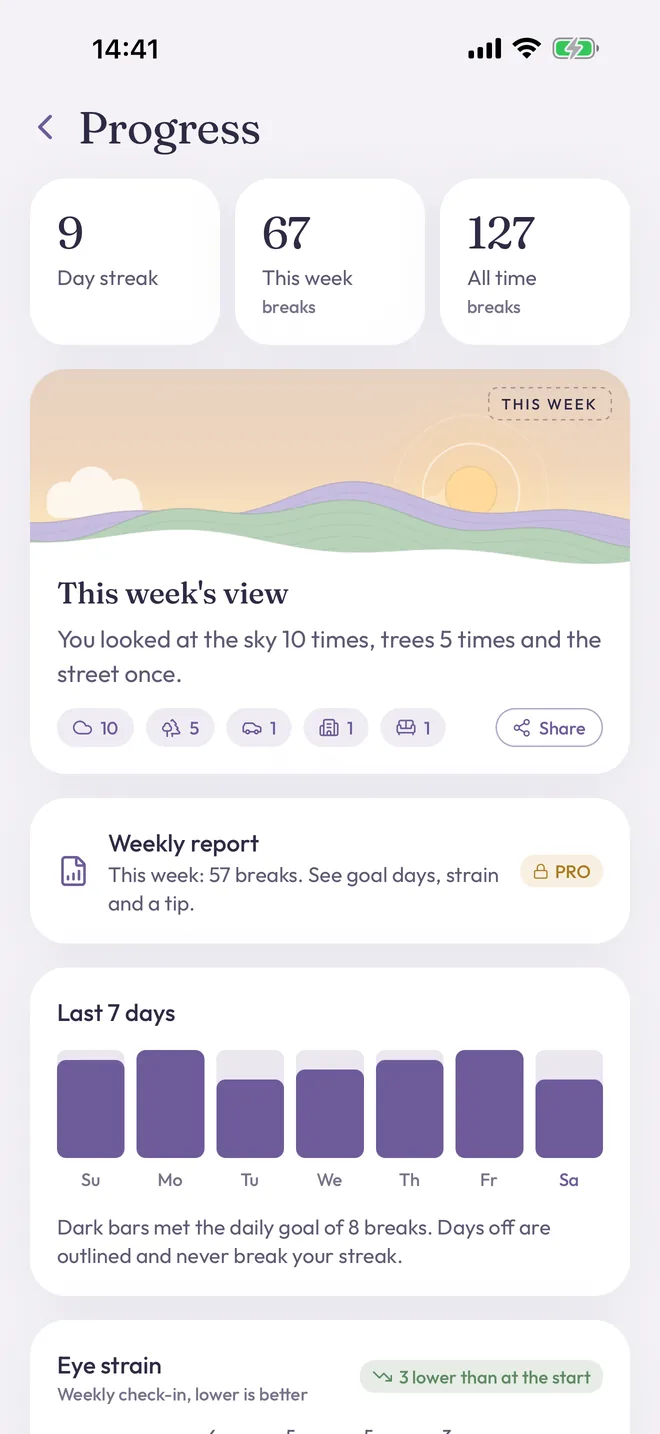
After a break, one optional tap: sky, trees, street, buildings, the far wall, lights. At the end of the week it becomes a postcard: you looked at the sky 14 times, trees 9 times and the street once.
Share it as an image if you like. It shows the view, nothing else.
Routines
One-minute resets for tired eyes
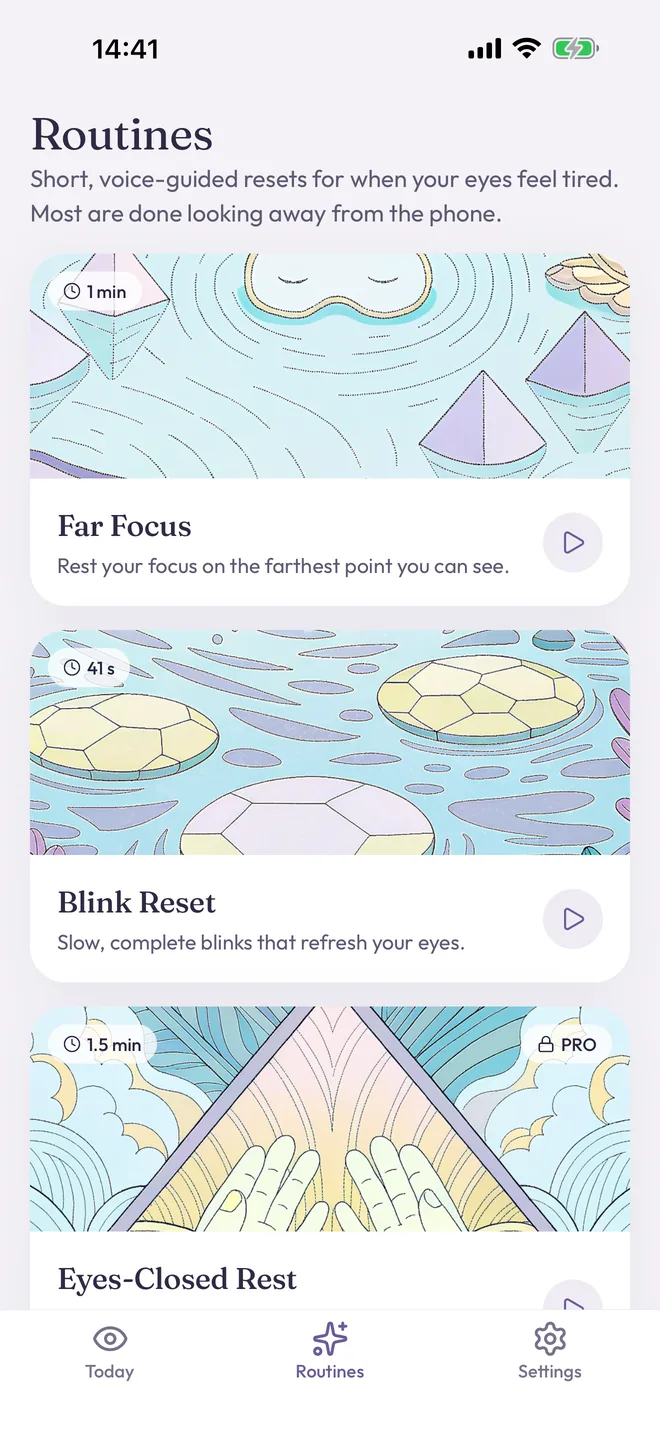
Voice-guided and done looking away from the phone. A glow shows where to rest your eyes: up and small to look far, close and large to look near, low and dim with your eyes closed.
Far Focus and Blink Reset are free. Eyes-Closed Rest and Near-Far Focus come with Pro.
Widgets
Your next break at a glance
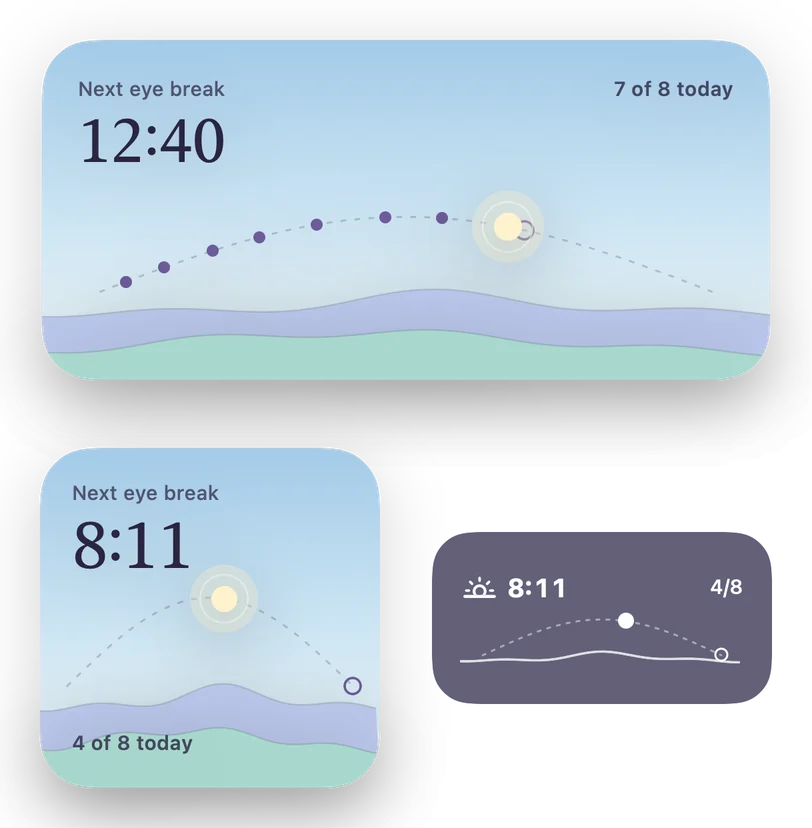
On the Lock Screen a small sun travels toward your next break. On the Home Screen, today's horizon with a dot for every break you have taken. Free for everyone.
Calm, not nagging
Built to work while you work
Only in your work hours
Set your days and hours once. Reminders arrive with the app closed, never at night or on days off.
Eases off when you are busy
Missed a few? Reminders come less often until you are back, then return to your rhythm.
A gentle start
The first days come every 40 minutes, so the habit settles in before it asks for more.
Quiet in meetings and over lunch
With Pro, no reminders while your calendar shows you busy, read on your iPhone only.
Your trend
See if it helps you
A one-question check-in each week asks how your eyes felt at the end of a screen day. Over a few weeks you see your own trend next to the breaks you took.
With Pro: a weekly report every Friday and a one-page PDF to bring to an eye care appointment.
Free and Pro
Reminders, breaks and widgets stay free
Free
- Reminders during your work hours
- Guided 20-second breaks with look-out prompts
- Far Focus and Blink Reset
- Weekly check-in and postcard
- Lock Screen and Home Screen widgets
SightZen Pro
- Quiet in meetings and over lunch
- A longer 1-minute reset every two hours
- Weekly report and the eye doctor PDF
- Different hours for each day
- Eyes-Closed Rest, Near-Far Focus and background sounds
Yearly with a 7-day free trial, or once for life. Prices are shown in the app.
Why 20-20-20
A simple habit, honestly described
The American Academy of Ophthalmology suggests the 20-20-20 rule for eye strain from computer use: aao.org. Looking far away lets the eyes' focusing muscles relax, and a pause is a reminder to blink fully.
SightZen is a wellness tool for screen breaks. It does not diagnose or treat any condition, does not change your eyesight, and is not a substitute for professional eye care. If you have persistent blurred or double vision, eye pain or headaches, see an optometrist or ophthalmologist.
Questions
Good to know
Do I need an account?
No. SightZen has no account and no ads. Your schedule, history and check-ins stay on your iPhone.
Does it work with the app closed?
Yes. Reminders are scheduled on your iPhone and arrive like any notification. Press and hold one for Done or Snooze.
What if I'm in a meeting?
Snooze or skip with one tap, or pause for an hour or the rest of the day. With Pro, SightZen stays quiet whenever your calendar shows you busy.
Does it work on iPad or Mac?
SightZen is made for iPhone for now.
Is my calendar sent anywhere?
No. If you turn on Quiet during meetings, SightZen reads only busy times on your iPhone. Nothing leaves your device.
Look up. Find something far.
SightZen is coming soon to iPhone. Leave your email and we will write once, on launch day.
Only for that one email, then we delete it. Privacy
Thank you. We will write once, when SightZen is out.